TL;DR: Drive-thru labor costs more than the base wage shows. Fully loaded, each crew hour costs significantly more once taxes, benefits, and turnover overhead are factored in.
INTRODUCTION
Drive-thru labor costs more than the base wage shows. Fully loaded, each crew hour costs significantly more once taxes, benefits, and turnover overhead are factored in.
The short answer on how to reduce labor costs at the drive-thru without hurting service: remove order taking from the crew’s plate. That single change recovers 3-8 labor hours per store per day and frees your team to focus on work that actually shapes the guest experience.
This playbook covers five practical steps, the per-store math, and the mistakes that erase savings before they hit your P&L.
WHY DRIVE-THRU LABOR COSTS KEEP CLIMBING
The base wage looks manageable. BLS NAICS 722 puts average hourly earnings for food services and drinking places at $22.13 as of September 2026 (preliminary). But that’s just the starting point.
Add payroll taxes, workers’ comp, benefits, and scheduling overhead for high-turnover hourly roles, and the fully loaded cost climbs well above the base wage. That gap between headline wage and actual spend is where most operators get caught off guard.
The drive-thru compounds the problem. Unlike the dining room, it can’t run lean, you need someone at the speaker, the window, drinks, and the fryer, all during the same peak window. Pull one body and the lane slows. That is a structural constraint of the drive-thru.
WHERE THE HOURS ACTUALLY GO AT THE DRIVE-THRU
Most labor-cost conversations start with headcount. The real problem is job design.
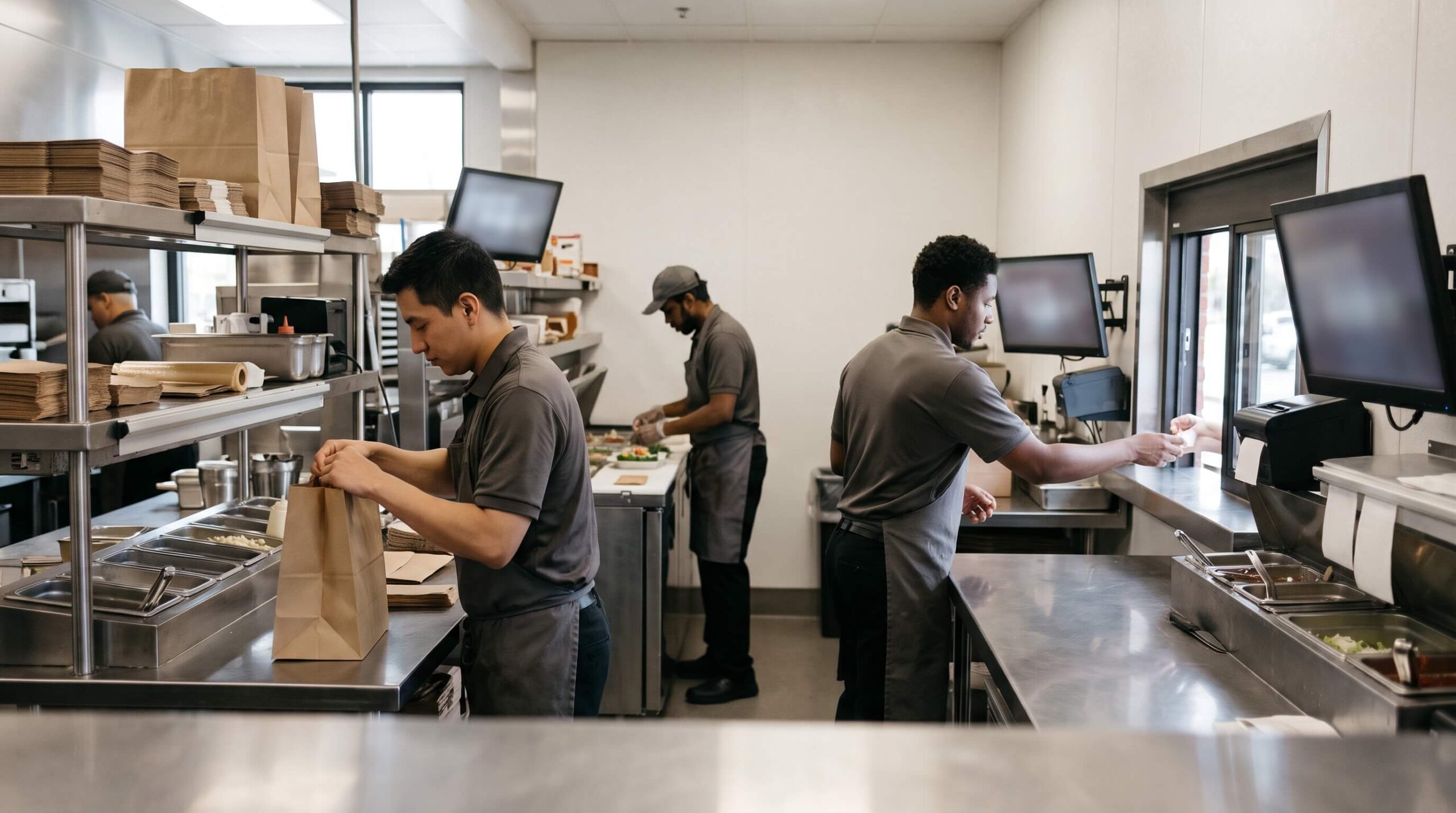
In a typical drive-thru, one person simultaneously wears the headset, pulls drinks, processes payment, and manages the window guest. That’s three or four jobs compressed into one station, and the cognitive load slows the whole line.
Richard Del Valle, Chief Information Officer and Chief of Staff, Bojangles, described the effect at the QSR webinar “AI Order Taker That Works: The Bojangles Model” (July 2025): “We’ve taken employees that were doing three tasks before, order taking, fulfilling, and cashiering, and taken 33% of the work of the tasks away, but probably 50% of the work.”
That gap between perceived and actual workload reduction is the hidden cost: task-switching errors, split attention, and slower throughput when one person bottlenecks everything. It is also why the order-taker seat is one of the hardest to staff.
This is the problem an AI Order Taker addresses: the same people, with the work shared out better.
5 WAYS TO REDUCE LABOR COSTS WITHOUT CUTTING SERVICE
These five moves work together, and the first sets the rest in motion. They remove the structural inefficiency hiding in plain sight at your drive-thru window, instead of squeezing your schedule tighter. Treat them as a sequence, not a menu of options.
Step 1: Take Order Taking Out of the Multitasking Seat
The first move is to remove order taking from the human station.
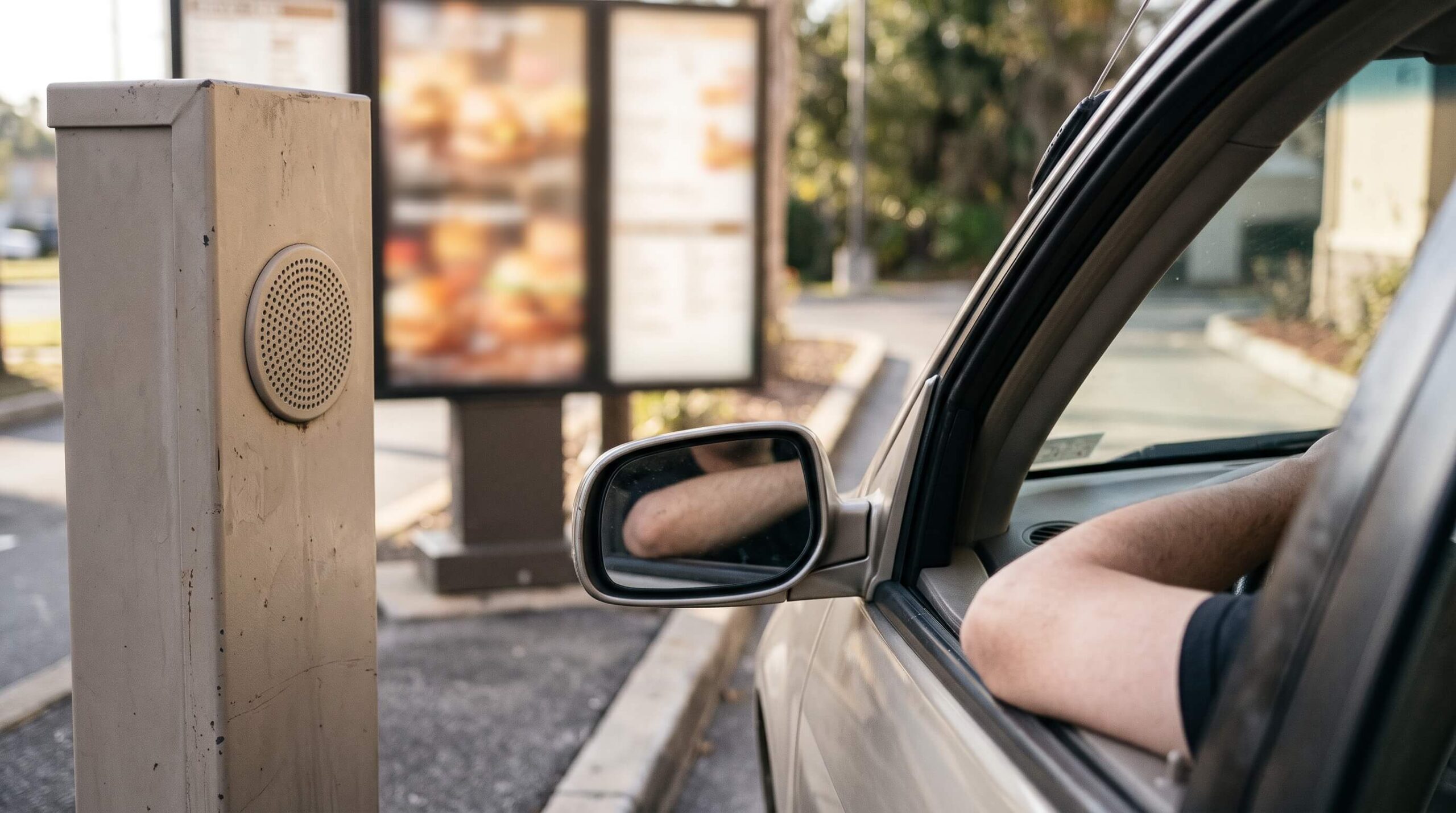
Deploying an AI Order Taker means the AI handles the full ordering conversation at the speaker (greeting, order capture, clarification, upsell, confirmation, and POS injection) while your crew focuses on food and the window, where their effort actually shows up in the guest experience.
Hi Auto’s AI Order Taker works in drive-thru conditions: outdoor noise, regional accents, complex menus, and lunch-rush pace. When it cannot confidently determine what the guest wants, a trained Hi Auto supervisor sends a digital input that guides the AI, and those moments also help train the model. The process is seamless to the guest and the restaurant. Crews no longer take the order, but they should keep listening in case a rare request for help comes up.
Expected outcome: 3-8 labor hours recovered per store per day.
One upfront mistake to avoid: treating it as plug-and-play. The Hi Auto team sets up the system for your specific menu, modifiers, and operation before go-live, and that groundwork is what makes savings real and sustainable.
Step 2: Redeploy Recovered Hours Into Food Quality and the Window
The saved hours don’t disappear from the schedule, they shift to where they matter most.
When an AI Order Taker handles the headset, the crew member who was juggling four tasks can focus fully on bagging accuracy, food quality, and the window guest. Speed of service can improve because the kitchen isn’t waiting on someone mid-order. Guest experience can improve because the window interaction stops feeling rushed.
Linda Ronda, Store GM at Checkers, described the shift in the “Hi Auto | Checkers Video” (2025): “Now that we have her and she does everything for us, we’re able to say okay let’s get the order out let’s get the bag to beat the car, so it helps out a lot with her.”
This only works if managers explicitly redirect crew attention. Without clear communication, recovered time gets absorbed into idle time, not hospitality.
Step 3: Trim Fringe Hours, Not Core Shifts
Fringe hours are the partial hours at shift edges, the first and last 30 minutes when the order-taker seat needs covering but traffic doesn’t justify a dedicated person. Core shifts are peak-volume hours where every hand counts.
When an AI Order Taker handles the speaker, fringe windows no longer need a dedicated crew member at the headset. Managers can tighten the schedule at the margins without touching core hours.
Richard Del Valle, Chief Information Officer and Chief of Staff, Bojangles, explained the approach at the QSR webinar “AI Order Taker That Works: The Bojangles Model” (July 2025): “We talk about an hours reduction, it’s fringe hours. So to the employees, it doesn’t feel like anybody’s lost a thing, and we pick up just a little bit of traction there to offset.”
José Armario, CEO of Bojangles, said at the July 2025 QSR webinar that Bojangles needed to save 3 to 4 hours per restaurant per day to break even, and that it has more than surpassed that. That is Bojangles’ own figure, per restaurant.
The crew does not feel a cut in hours, which keeps morale intact. Cutting core shifts instead reduces service capacity and leaves your best people feeling squeezed.
Step 4: Cut the Cost of Turnover
Turnover is a labor cost that is easy to undercount. Every replacement means recruiting, training, and a less experienced crew on the floor.
The order-taker seat is one of the hardest to staff: headset on, drinks to make, payment to process, and a guest at the window, all at once. When an AI Order Taker absorbs that burden, the job gets calmer.
Hi Auto reports turnover reductions of 15 to 30%, measured before and after deployment against a control group, which can mean lower recruiting spend and a more experienced crew on the floor.
One mistake to avoid: don’t go live without preparing your staff first. Crews who feel blindsided resist the change, and that resistance wipes out retention gains before they start.
Step 5: Track SPLH on Both Sides of the Ratio
Most operators watch the labor-cost line and stop there. That’s where ROI gets undersold.
Sales Per Labor Hour (SPLH), total sales divided by total labor hours, moves from both directions when an AI Order Taker is in place. The denominator shrinks as fringe hours are trimmed. The numerator can grow because the system can offer an upsell on every order where the operator enables it, which supports an average ticket lift of 1 to 2.5% per store. That is revenue a labor-only view misses.
For a detailed walkthrough, the SPLH blog post walks through the calculation with a worked example. Track both sides, that’s where the real picture lives.
WHAT DOES THE PER-STORE MATH ACTUALLY LOOK LIKE?
Here’s where the numbers get concrete, and conservative.
Removing order taking from the multitasking seat recovers 3-8 labor hours per store per day. That is the range Hi Auto customers see, across 100M+ orders processed per year in more than 1,000 stores. For illustration, 4 hours a day at a fully loaded $25/hr (wages, taxes and benefits) is about $3,000 a month per store. Across the full 3-8 hour range, that is about $2,250 to $6,000 a month per store. Actual savings vary by market and labor cost.
| Metric | Per store |
|---|---|
| Labor hours recovered | 3-8 per store, per day |
| Fully loaded hourly cost | For illustration, $25/hr (wages, taxes and benefits) |
| Monthly labor savings per store | For illustration, about $2,250 to $6,000 a month at 3-8 hours a day (about $3,000 at 4 hours). Actual savings vary. |
| Average ticket lift | 1 to 2.5% |
Ryan Weaver, CEO of Lee’s Famous Recipe Chicken, said on the Marketing Bites: Restaurant Growth Unwrapped podcast by Nift (Episode 32, 1 April 2025): “The technology pays for itself with the labor hours we are able to take out of our budget every week, and then the sales lifts, which we think is about 1-2% is just kind of gravy on top of that.” Watch Ryan Weaver’s interview clip.
A pilot goes live in approximately 8 weeks, with full pilot-to-scale in 90-120 days.
HOW DO YOU PROTECT GUEST EXPERIENCE WHILE YOU DO IT?
The fear is real: pull a body from order taking and the guest experience falls apart. The evidence says the opposite.
Hi Auto reports 93%+ completion and 96% accuracy, always together, because one number without the other tells half the story. Completion is the percentage of orders sent to the POS without staff intervention. Accuracy is the percentage of orders sent to the POS with every item and customization exactly right.
The crew feels it first. Neil Pathak, Owner, Star Enterprises (a Bojangles franchisee), said in the franchisee video “Star Enterprises deploys BoLinda and sees benefits” (2025): “You could see immediately the day we put Bolinda in our restaurants, we would see those stress levels come down and we would see the guest experience get better.”
When crew aren’t splitting attention between the headset and the window, they focus on what moves speed of service: getting the bag ready before the car arrives.
The AI also handles orders in both English and Spanish with automatic language detection, serving a broader guest base than a single-language order taker, with no extra effort from the crew.
MISTAKES THAT ERASE THE SAVINGS
The savings are real, but not automatic. Three avoidable mistakes consistently eat into expected returns.
Mistake 1: Treating AI as plug-and-play. Every drive-thru has its own menu, local accents, LTO cadence, and POS setup, and each needs proper setup with the Hi Auto team. Rushing that work can lead to lower completion rates and crew frustration before the technology gets a fair shot. The fix: run a structured pilot before scaling. Hi Auto’s pilot goes live in approximately 8 weeks, giving you real-world data from your own operation.
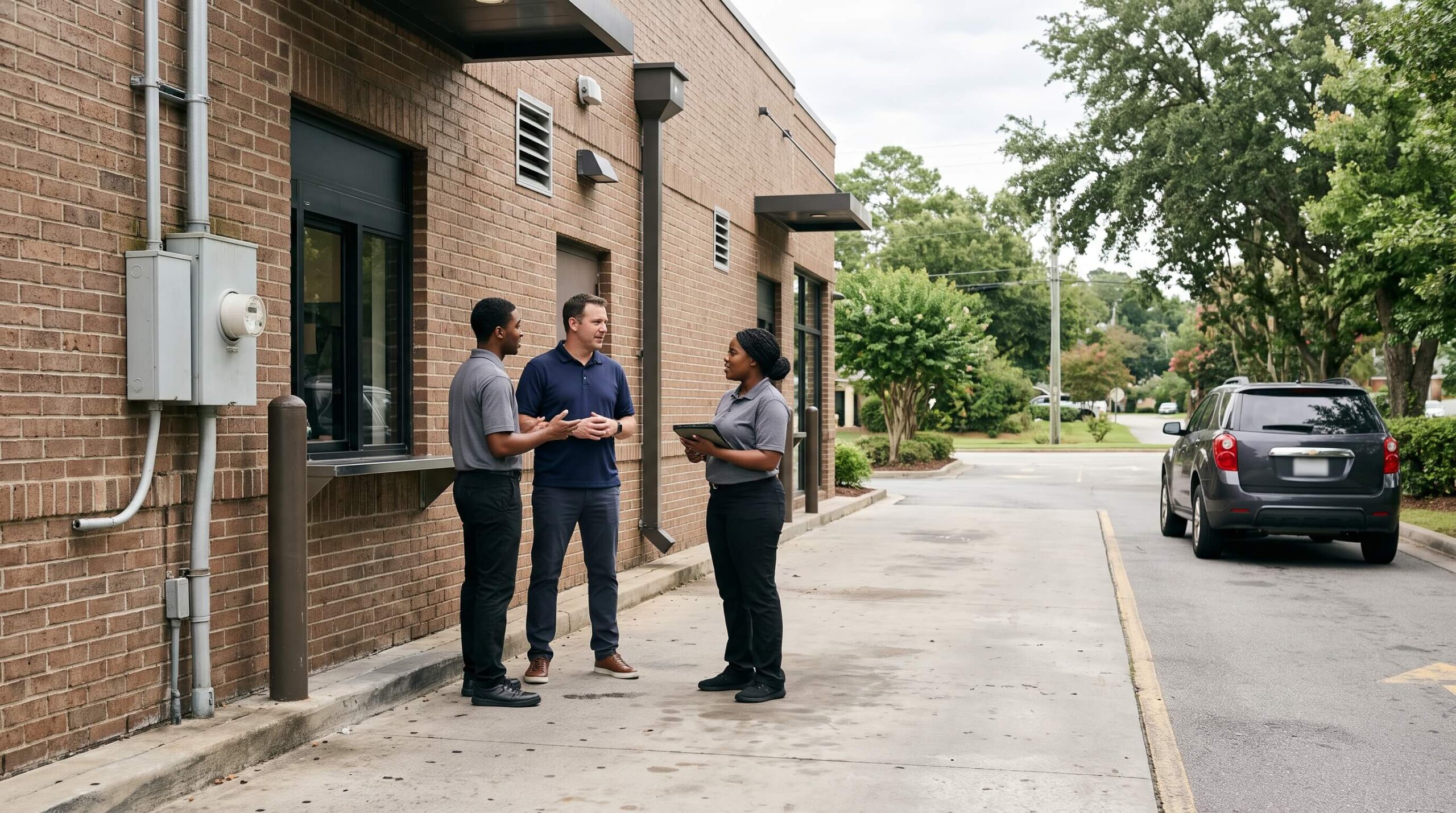
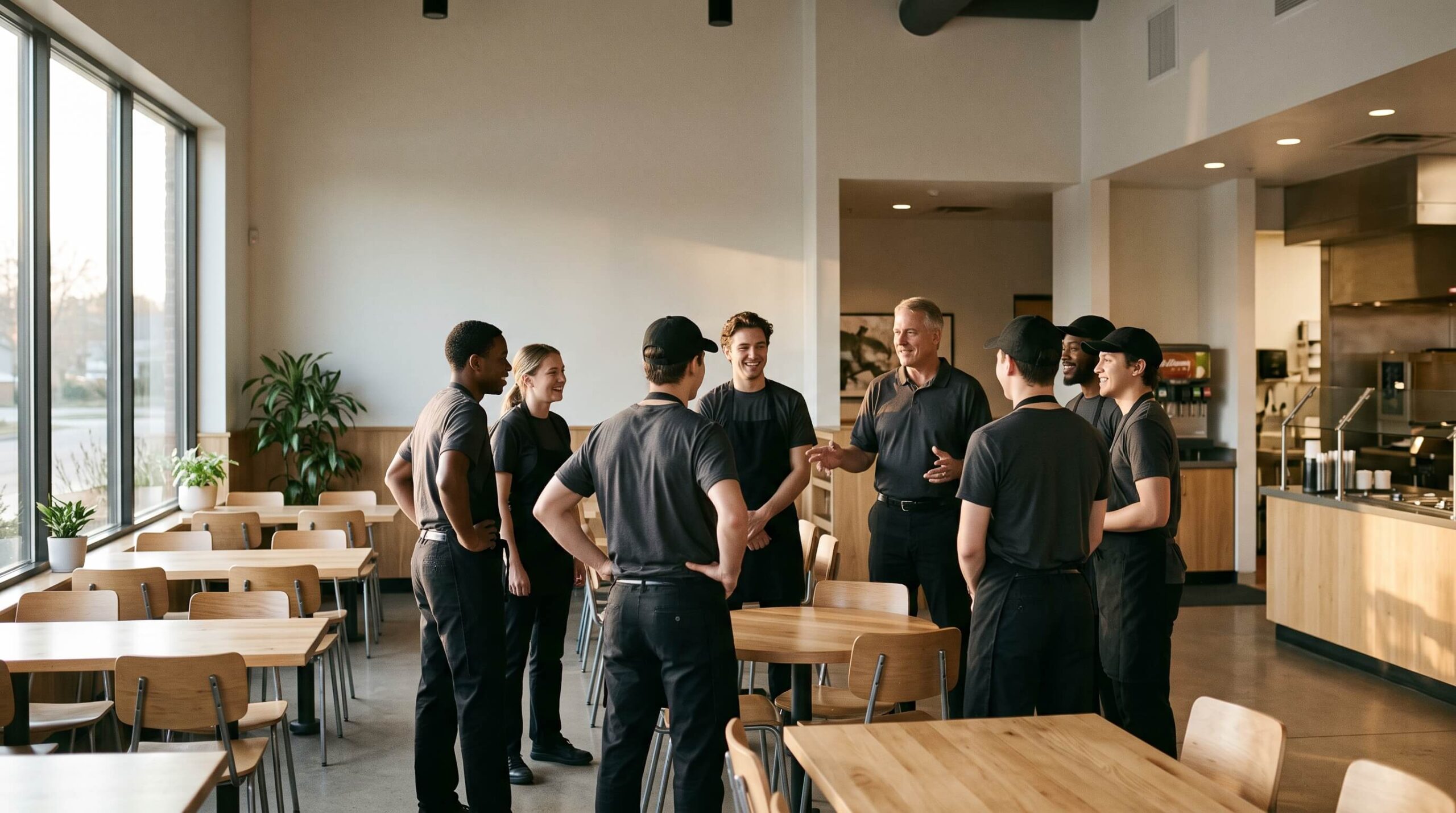
Mistake 2: Not preparing staff and guests for the change. Crews who are blindsided resist. Guests who are surprised push back. A short pre-launch briefing changes both, tell your team the AI handles the speaker so they can focus on the window, and let guests know what to expect.
Mistake 3: Failing to redirect the recovered time. If managers don’t set clear expectations for what crew does once order taking is off their plate, freed capacity gets absorbed into idle time rather than food quality and hospitality. The labor savings show up on the P&L, but the service improvement doesn’t. Set explicit post-launch expectations before go-live.
LABOR EFFICIENCY AND GUEST EXPERIENCE MOVE TOGETHER
Cut labor or protect service: at the drive-thru, that trade-off shrinks once order taking is lifted off the crew.
When your team isn’t splitting attention between the headset, drink station, payment, and window, they do each remaining job better. Guests feel it. The five steps in this playbook work together: remove the multitasking burden, redeploy hours into food quality and hospitality, trim fringe hours rather than core shifts, reduce the heavy cost of turnover, and track SPLH on both sides of the ratio.
SPLH captures the full picture, when sales hold or tick up and labor hours come down, the number moves in both directions at once.
Ready to see what 3-8 recovered hours per day could mean for one of your stores? Talk to the Hi Auto team.
CONCLUSION
Labor efficiency and guest experience work together at the drive-thru. Remove the multitasking burden, redeploy recovered hours into food quality and hospitality, trim fringe hours rather than core shifts, reduce turnover costs, and track SPLH on both sides. Each step reinforces the others. Operators who plan the change well recover hours in every store and put them back into food quality and hospitality.